We want you to post more, so
Just upload. Headroom adds the captions, motion graphics, sound effects, animations and zooms.
By continuing, you agree to our Terms of Use and Privacy Policy.
Used by editors at




- Spayee



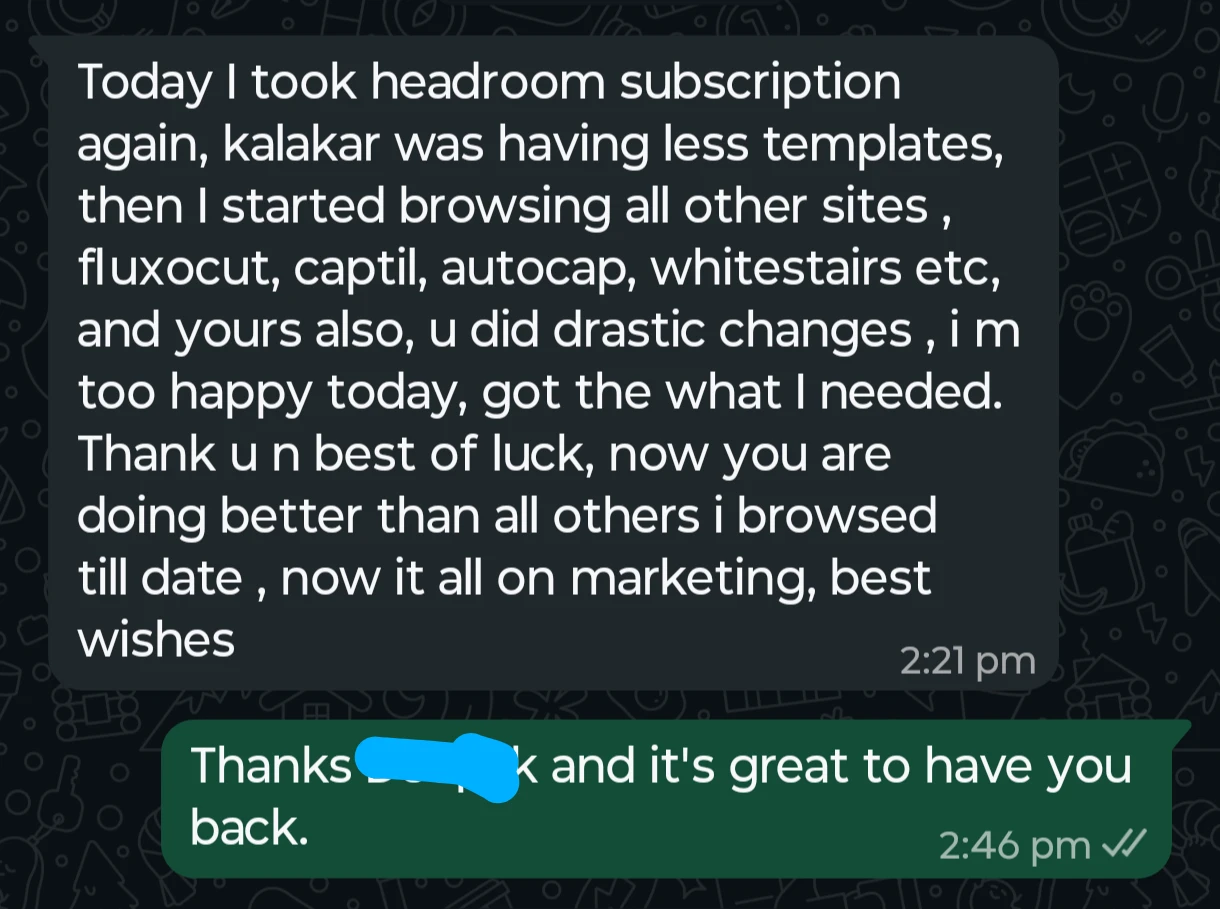
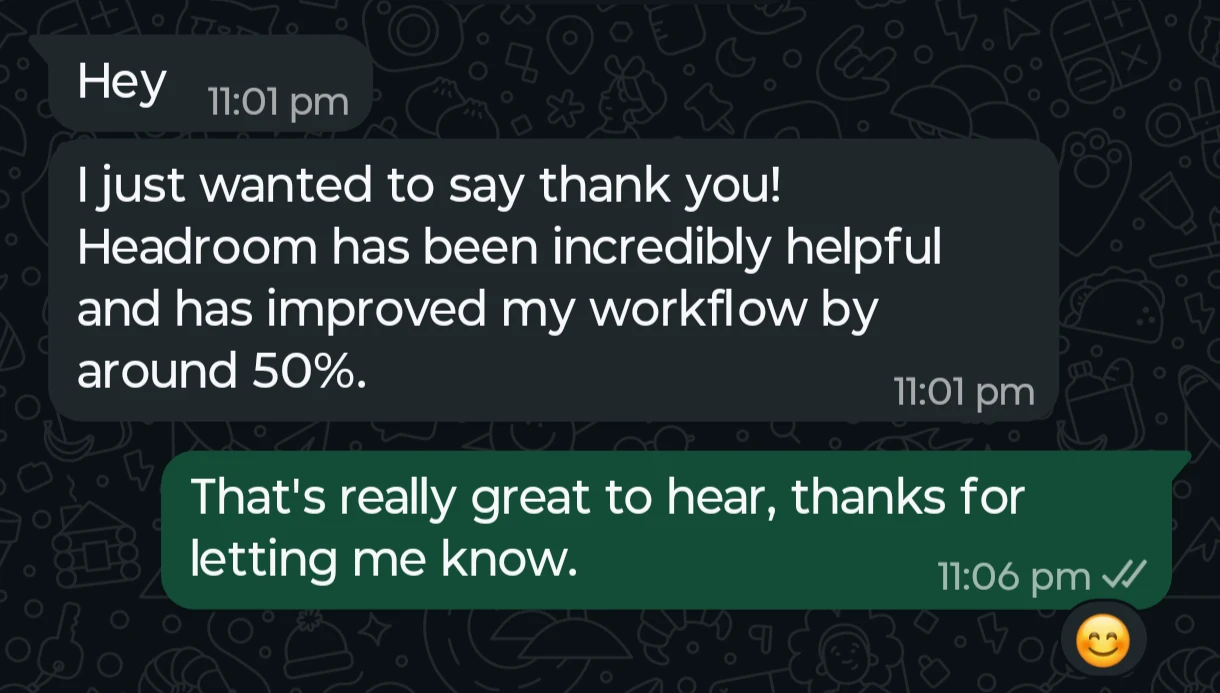
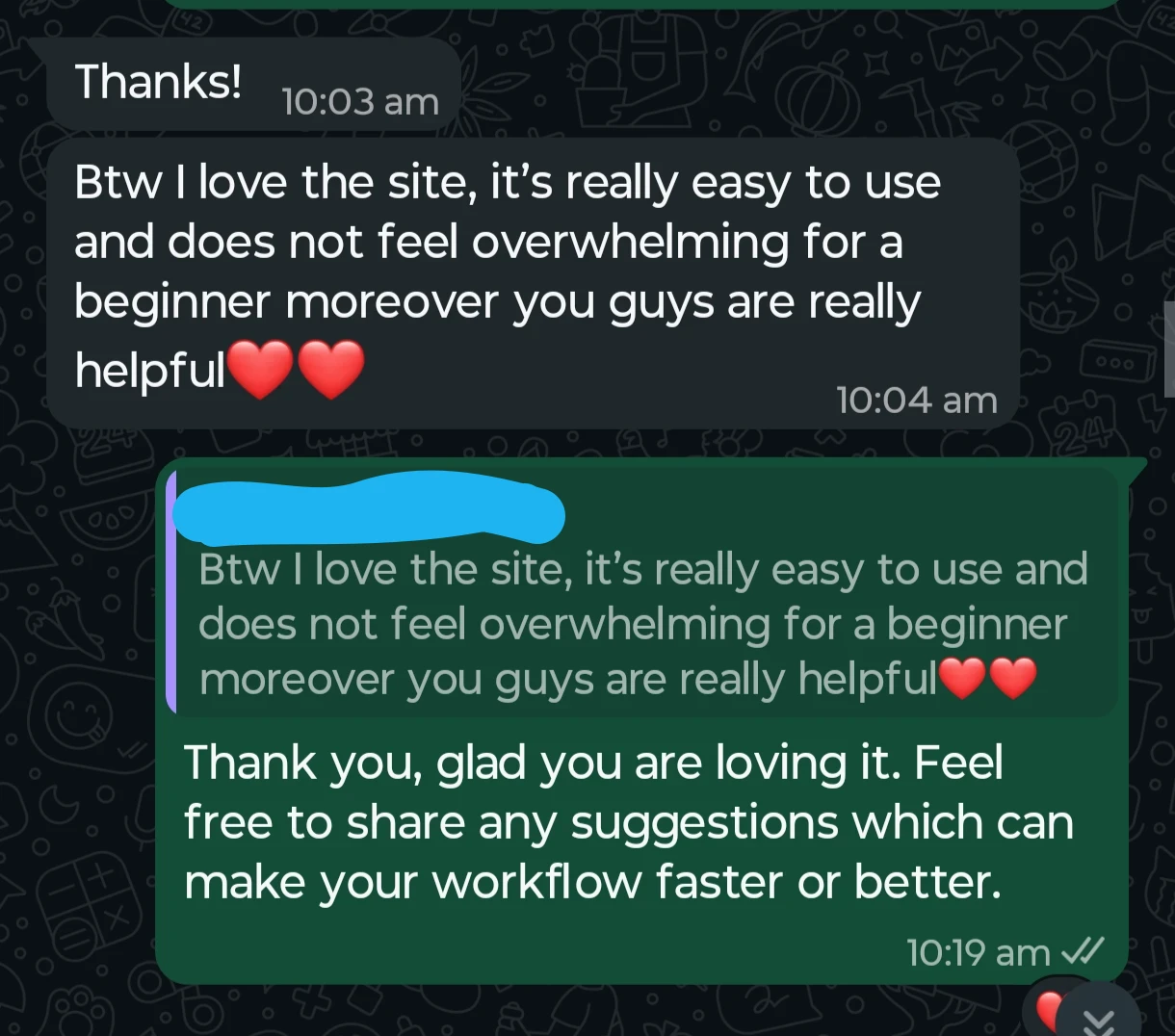
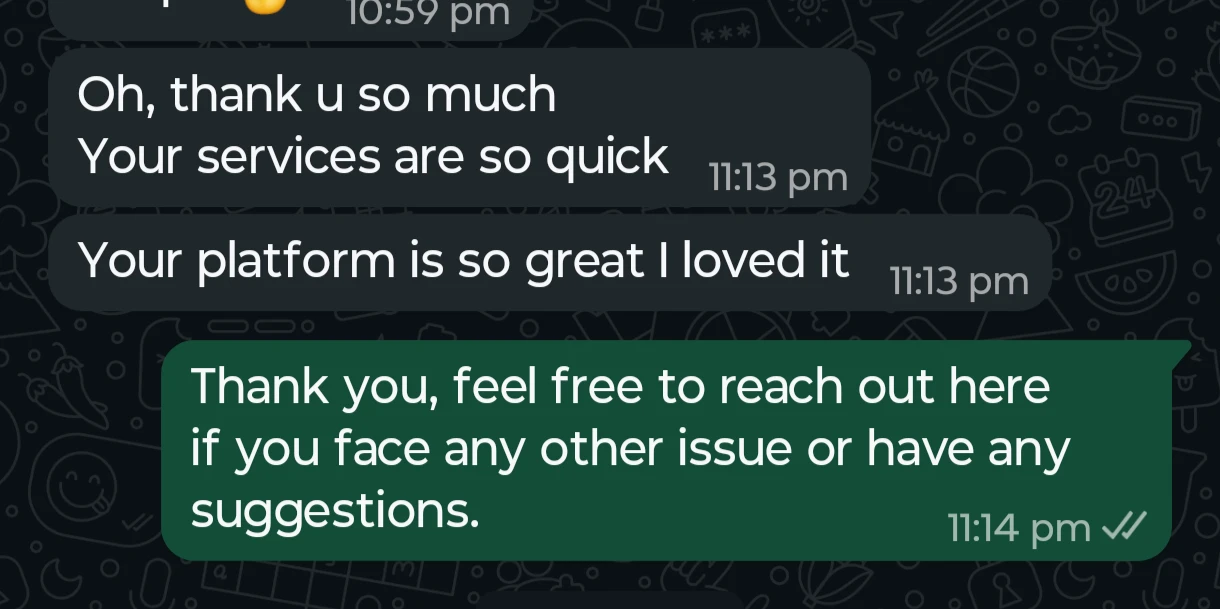
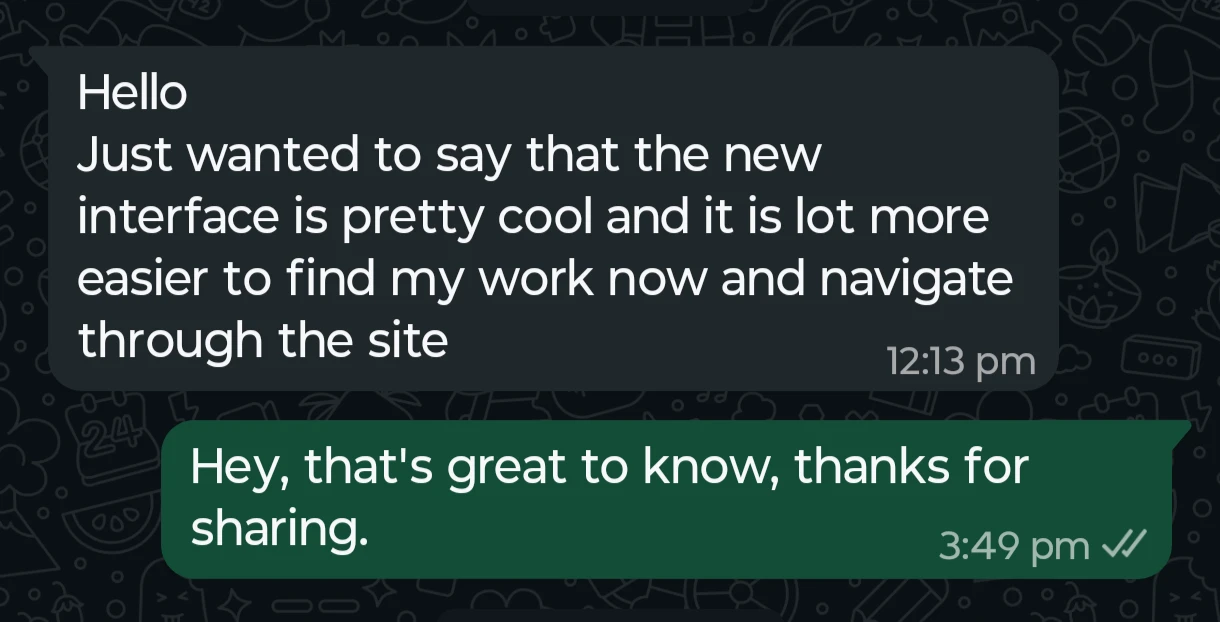
What our beautiful users have to say
Post more.
Edit less.
Motion graphics placed on what you said.
Change the word that matters.
Speak Hindi. Caption in English.
Your captions will be in English.
Everything you need to finish the reel.

Post more every week.
Loading plans…
Short answers.
What is Headroom?
Headroom (headroomapp.ai) is an AI video editor for talking videos, made in India. Upload a video and it captions it in Hinglish, English or 16 other languages, then edits it for you with zooms, motion graphics and highlighted words placed on what you said. You can change any edit, then export an MP4. It runs in the browser and on Android and iPhone.
How does it work?
Upload a talking video. Headroom writes the captions, marks the words that matter, adds zooms, and draws graphics when you list points, say a number or compare two things. You review it, change anything, and export. A one minute video usually exports in about 1 min.
What kind of videos is Headroom best for?
Talking head videos: educational reels, personal brand videos, founder content, podcast clips and client work. If someone is speaking to the camera, Headroom is built for it.
Which languages does Headroom support?
Headroom understands 18 spoken languages: Hindi (captioned as Hinglish in Roman letters, or in Devanagari), English, Tamil, Telugu, Bengali, Marathi, Gujarati, Kannada, Malayalam, Punjabi, Urdu, Spanish, French, German, Portuguese, Italian, Dutch and Russian.
Does Headroom support Indian regional languages?
Yes, and you choose the script. Read your captions in the native script, or in Roman letters so they style cleanly with modern fonts and animations on Reels and Shorts.
Can Headroom caption my video in a different language?
Yes. Turn on Auto translate when you upload and pick the language you want, and your captions are generated in it. Leave it off and Headroom keeps the language you spoke, natural English mixing included.
Can I control how much it edits?
Yes. Pick Clean, Balanced or High Energy. Every edit is marked on your transcript, so you can remove one with a tap, add a motion graphic yourself, or turn AI Edits off and keep only the captions.
Can I edit the captions and styles after they are generated?
Yes, down to a single word. Animate, highlight or add an effect to one word without touching the rest. You can also drag captions anywhere in the frame and switch themes at any time, and any change can apply to one caption, to everything after it, or to the whole video.
Can I add images, videos, GIFs and sounds?
Yes. The Layers panel places images, videos and GIFs at the exact moment you want them, and word sounds attach a small audio hit to the words that matter.
Can editors use Headroom for client work?
Yes. Edit as you normally would, then send a preview link so your client reviews the reel and signs off before you export the final file.
Do I need video editing experience?
No. Headroom edits the reel for you as soon as your captions are ready, so you start from something finished rather than a blank timeline. Change what you want, or export as is.
Is Headroom available on mobile?
Yes. The Headroom app is live on iOS and Android, and the same account works on the web.
How much does Headroom cost?
Headroom is free to start. Paid plans in India: Lite ₹299 a month for 30 minutes of video, Pro ₹799 a month for 120, Agency ₹1,999 a month for 360. Prices outside India are shown on the pricing page.
How does the free version work?
Yes. Export 10 minutes of video free with five free caption themes, in the app or a browser. Clean AI Edits, layers, and full editing are included; other themes, AI graphics, and Balanced or High Energy AI Edits require a paid export. Videos can be up to 1 minute each, and re-exporting a video you already made never counts again. It is a one time allowance rather than a monthly one. Paid plans add fresh minutes every month and longer videos.
Is this the same Headroom as other apps with that name?
No. Headroom at headroomapp.ai is the AI reel editor for talking videos, made by HEADROOM AI PRIVATE LIMITED in India. It is not related to the open source Headroom tool for AI agents, the Headroom podcasting app or the Headroom meeting app.
Start here
- AI EditsZooms, motion graphics and highlighted words, placed on what you said.
- Hinglish caption generatorHindi and English captions in Roman script, timed to your voice.
- ReviewsWhat creators wrote about Headroom, unedited.
- AI reel editorUpload a talking video and get an edited reel back.
- Free toolsText and motion effects that run in your browser. No login.
- Best Hinglish caption appsAn honest comparison of the apps that handle Hinglish.
Free tools
- Animated stat and counter video makerAnimate a number into a clean, ready-to-edit stat card.
- Article highlight video makerTurn a screenshot of your source into a documentary push-in clip.
- Text match cut generatorKeep one phrase fixed while newspaper pages cut behind it.
- Green screen to transparent video converterTurn a green screen overlay into a video with real transparency.
- Arrow and circle callout makerA hand-drawn arrow, circle, underline or cross-out that draws itself over your footage.
- Animated bar and line chart makerTurn a few rows of data into an animated bar or line chart.
By continuing, you agree to our Terms of Use and Privacy Policy.